Electronic Woven Glass Fabric in PCB Substrates: Material Science and Selection Criteria
Electronic woven glass fabric is a foundational reinforcement material in Copper Clad Laminates (CCL) and Printed Circuit Boards (PCB). Alongside

ESP32 Ethernet capabilities open up a world of seamless integration in IoT projects. With its ability to connect directly to a wired network, the ESP32 Ethernet module enhances reliability in communication, ensuring a stable connection that Wi-Fi often cannot provide. Whether you’re setting up a home automation system or a data logging application, understanding how to effectively utilize the ESP32 with Ethernet interfaces is essential.
The ESP32 is a versatile microcontroller with built-in Wi-Fi and Bluetooth capabilities, making it a popular choice among developers for a variety of applications. However, its Ethernet capabilities can sometimes be overlooked. By integrating Ethernet, you can leverage the advantages of a wired network, including improved speed, reliability, and reduced latency.
One of the most common methods to enable Ethernet capabilities in ESP32 projects is using the W5500 Ethernet chip. This chip communicates using the SPI protocol and allows the ESP32 to connect to Ethernet networks efficiently.
Choosing an ESP32 wired network over a wireless option can significantly improve your project’s performance in several ways:
1. Stability: Wired connections are less susceptible to interference compared to wireless networks, making them ideal for applications that require uninterrupted communication.
2. Security: With Ethernet, you can leverage physical security measures, reducing the risk of unauthorized access that can occur in wireless networks.
3. Data Rate: Wired connections typically offer higher data transfer rates, essential for applications requiring large data throughput.
4. Low Latency: Applications needing real-time communication, such as robotics or industrial automation, can greatly benefit from lower latency offered by wired connections.
Getting started with the ESP32 Ethernet involves a few essential components and steps. Here’s a straightforward guide to help you set up your ESP32 with the W5500 Ethernet module.
- ESP32 Development Board: Choose a development board compatible with your project needs.
- W5500 Ethernet Module: This chip handles the Ethernet communication.
- Jumper Wires: For connecting the ESP32 to the Ethernet module.
- Breadboard: Optional but useful for prototyping.
1. Wiring the Connections:
- Connect the SPI pins of the ESP32 to the W5500 module. This typically includes connections for SCK (Serial Clock), MISO (Master In, Slave Out), MOSI (Master Out, Slave In), and CS (Chip Select).
- Connect the power and ground pins accordingly.
Here’s a basic wiring guide:
- ESP32 Pin (GPIO 23) to W5500 MOSI
- ESP32 Pin (GPIO 19) to W5500 MISO
- ESP32 Pin (GPIO 18) to W5500 SCK
- ESP32 Pin (GPIO 5) to W5500 CS
- Don’t forget to connect GND and VCC to the appropriate power pins.
2. Installing Libraries:
- You will need libraries like `Ethernet.h` and `SPI.h` in your Arduino IDE to utilize the Ethernet capabilities of the W5500. Make sure to include these libraries at the top of your sketch.
3. Programming Your ESP32:
- Create a new sketch in your IDE and initialize Ethernet configurations. Here’s a simple example:
```cpp
#include
#include
// Instantiate the Ethernet client
EthernetClient client;
void setup() {
// Start the Ethernet connection
Ethernet.begin(mac, ip);
Serial.begin(9600);
while (!Serial) {
; // Wait for serial connection
}
Serial.println("Ethernet connected");
}
void loop() {
// Your code for sending/receiving data
}
```
4. Testing Your Setup:
- Upload your sketch and open the Serial Monitor. Ensure that the connection is established and that your ESP32 can communicate over the Ethernet.
While setting up your ESP32 Ethernet W5500, you may encounter problems. Here are some common troubleshooting steps:
- Check Connections: Ensure that all wires are connected correctly; loose connections can cause instability.
- Power Supply: Verify that your power supply is compatible with both the ESP32 and W5500. Insufficient power can lead to erratic behavior.
- Library Versions: Outdated libraries can cause compatibility issues. Make sure you have the latest versions installed.
Incorporating ESP32 Ethernet into your projects allows for more robust and reliable communication. By understanding how to utilize the ESP32 Ethernet W5500 effectively, you can effortlessly connect your devices to a wired network, opening up opportunities for advanced applications in the IoT landscape. The stability, security, and speed associated with wired connections will undoubtedly enhance your projects, making them more efficient and effective. Whether you're a beginner or a seasoned developer, embracing these capabilities will take your projects to new heights.
======================================
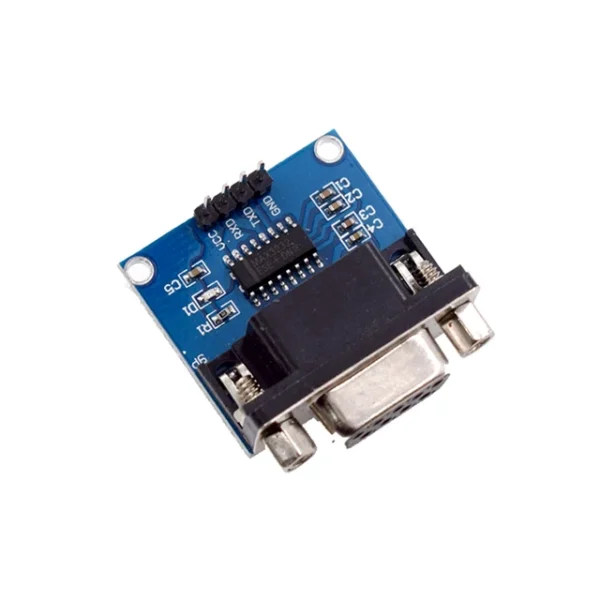 MAX3232 RS232 to TTL Serial Port Converter Module DB9 Connector MAX232 For Arduino
$2.20
MAX3232 RS232 to TTL Serial Port Converter Module DB9 Connector MAX232 For Arduino
$2.20
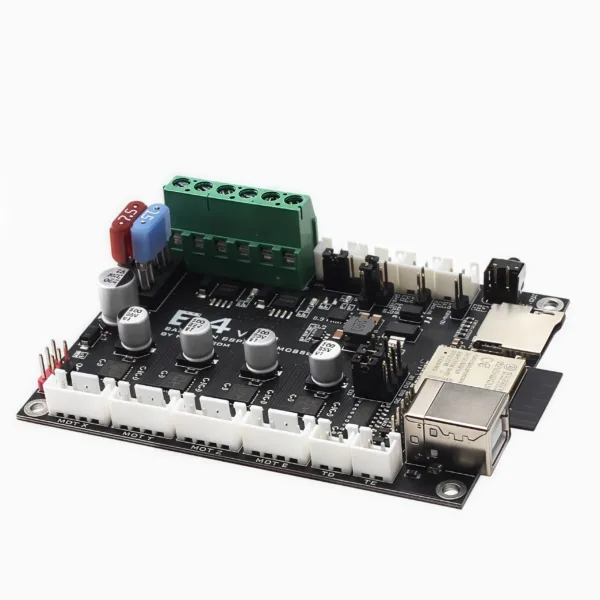 3D printer motherboard E4 V1.0 ESP32 motherboard control board integrated TMC2209 driver with WIFI
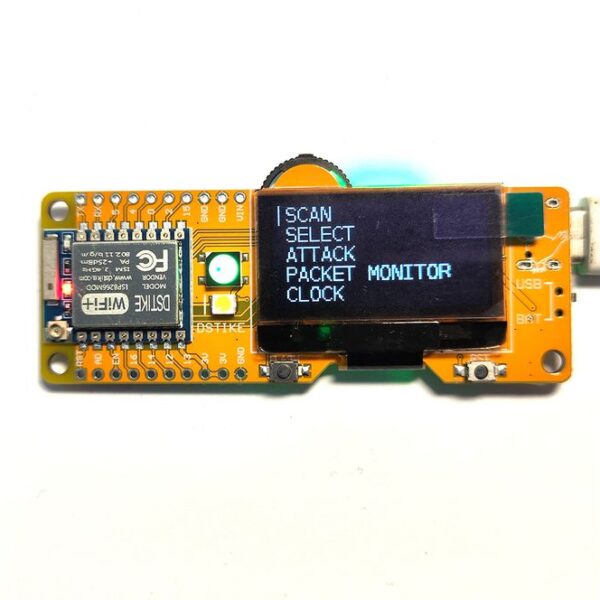 Deauther MiNi V4 | 2.4G Wi-Fi Attack Security Test
$18.70 – $26.90Price range: $18.70 through $26.90
Deauther MiNi V4 | 2.4G Wi-Fi Attack Security Test
$18.70 – $26.90Price range: $18.70 through $26.90
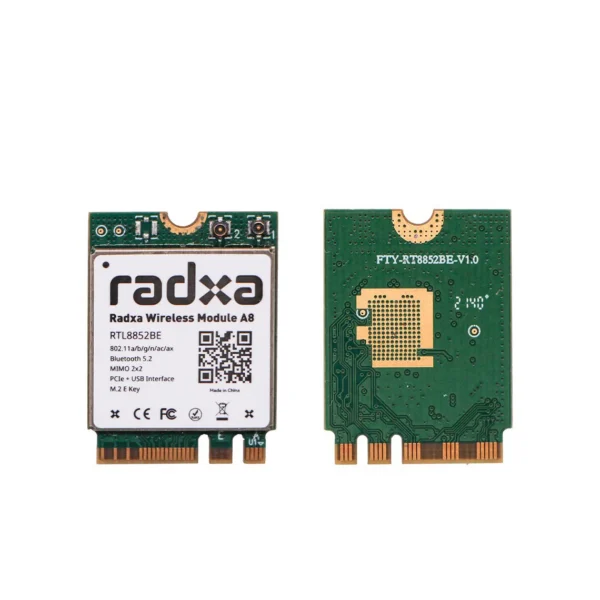 Radxa Wireless Module A8 WiFi6 / BT5.2 Dual Antenna Supports PCIe M.2 E K
$17.90
Radxa Wireless Module A8 WiFi6 / BT5.2 Dual Antenna Supports PCIe M.2 E K
$17.90
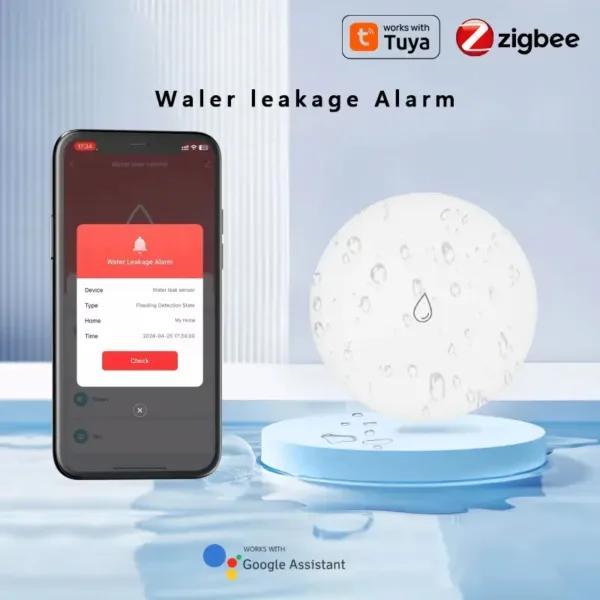 Water Sensor Water Leakage Detector App Remote Monitoring Compatible with Tuya/SmartLife App & ZigBee Gateway, for Home/Office
Electronic woven glass fabric is a foundational reinforcement material in Copper Clad Laminates (CCL) and Printed Circuit Boards (PCB). Alongside
The rapid advancement of humanoid and autonomous robots has shifted the engineering bottleneck from mechanical actuators to the central computational
In automotive cockpit system-on-chip (SoC) selection, a critical gap often exists between marketing materials and engineering reality. Planning parameters, AIoT
Theoretical ESD protection design—placing clamps, sizing diodes, and optimizing RC trigger networks—addresses how a chip should handle electrostatic discharge. However,
Component selection in aerospace and high-reliability electronics frequently involves conflicting terminologies. A supplier may claim a device is "space-grade," procurement
In high-reliability electronics manufacturing, visual inspection is not a subjective assessment of aesthetics. It is a rigorous evaluation of metallurgical
No account yet?
Create an Account