







Introduction to use:
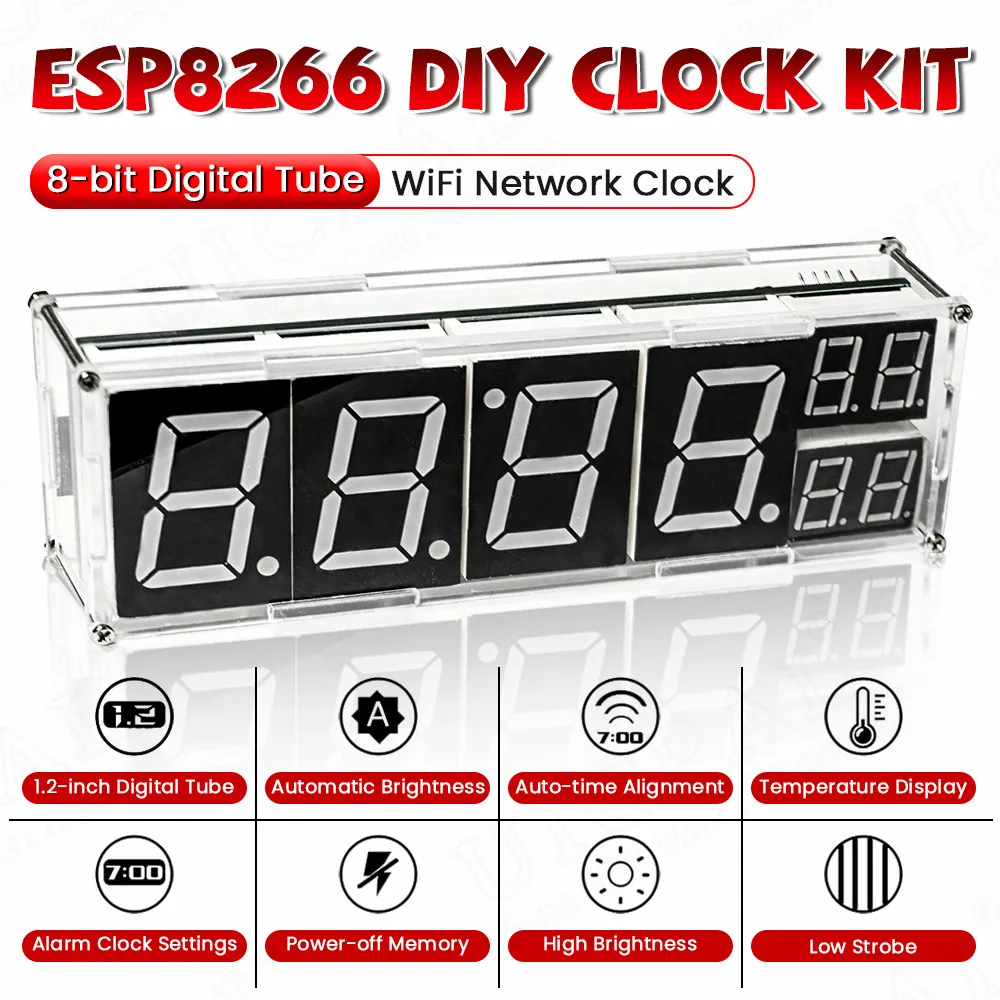
Click the SET button to enter the settings option:
When the digital tube displays "SY":
There are two display modes 1-0: fixed display interface
1: Automatic switching time, date and temperature display
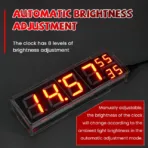
When the digital tube shows "LU":
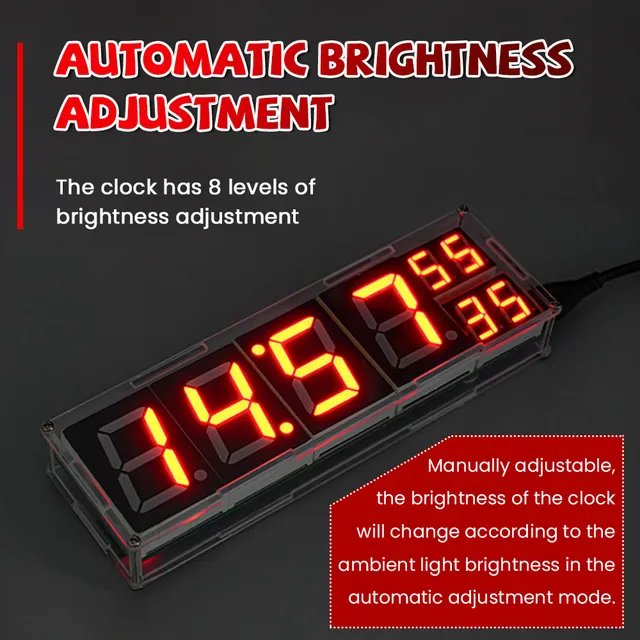
It represents the brightness setting of 0: automatic brightness
1-8: Corresponding to different brightness levels
When the digital tube shows "AO":
"AO" represents the temperature compensation setting one
Due to the difference in components and the heating problem of the chip, the temperature is inaccurate (generally high). You can use this function to set the temperature compensation in the range of -8 degrees -> +8 degrees.
Double-click the SET button to enter the alarm clock setting option:
There are three sets of independent alarm clocks in it, the last 0 is off and 1 is to turn on the alarm clock.
Long press the SET button to enter the time setting option:
There is no need to use this function when the clock is connected to the Internet. If it is not connected to the Internet, you can manually modify the time here.