

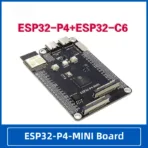
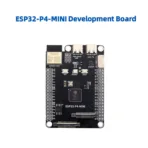
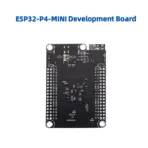
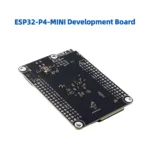


Function characteristics
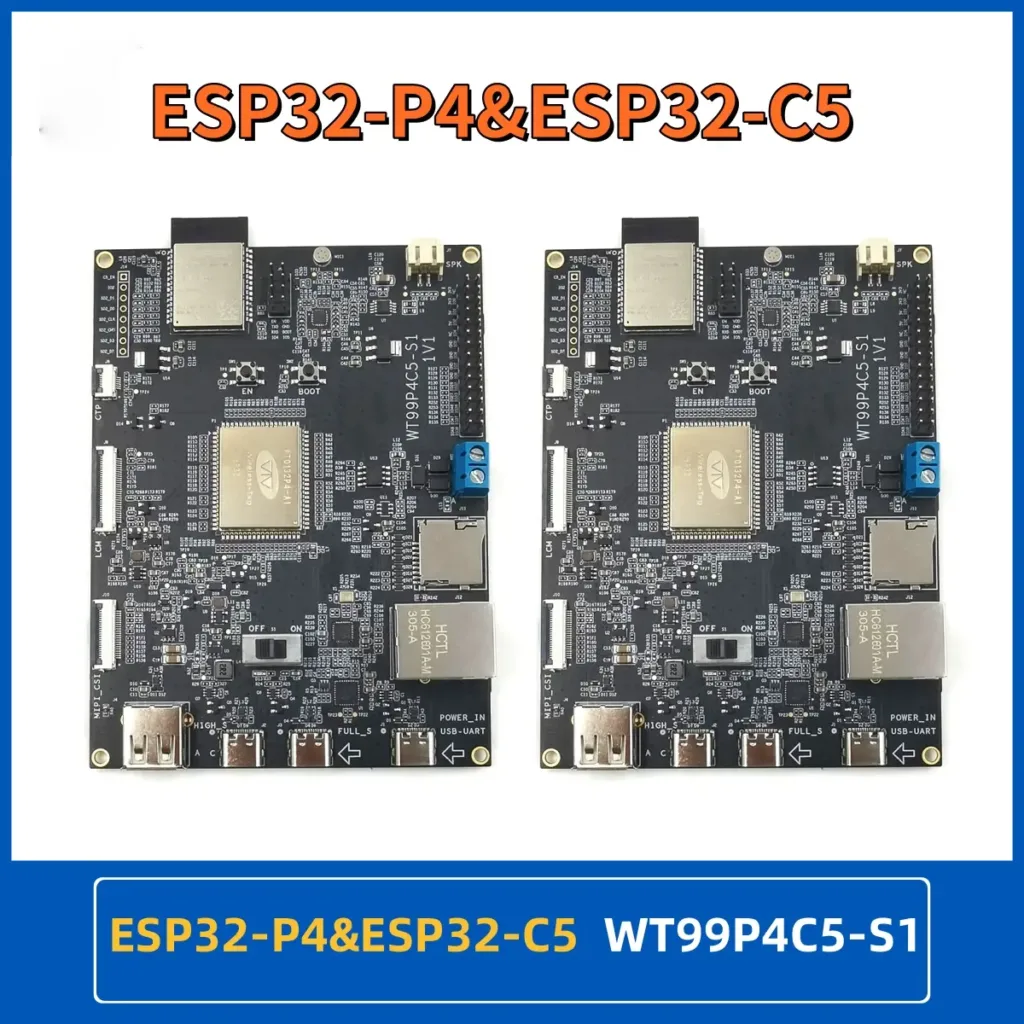
- High performance MCU equipped with RISC-V32 bit dual core and single core processors
- 128 KB HP ROM,16 KB LP ROM, 768 KB HP L2MEM.32 KB LP SRAM,8 KB TCM
- Powerful image and speech processing capabilities, with interfaces including JPEG codec, Pixel Processing Accelerator (PPA), Image Signal Processor (ISP), H264 video encoder
- 32 MB PSRAM is stacked inside the chip package, and 16MB Nor Flash is integrated outside the package
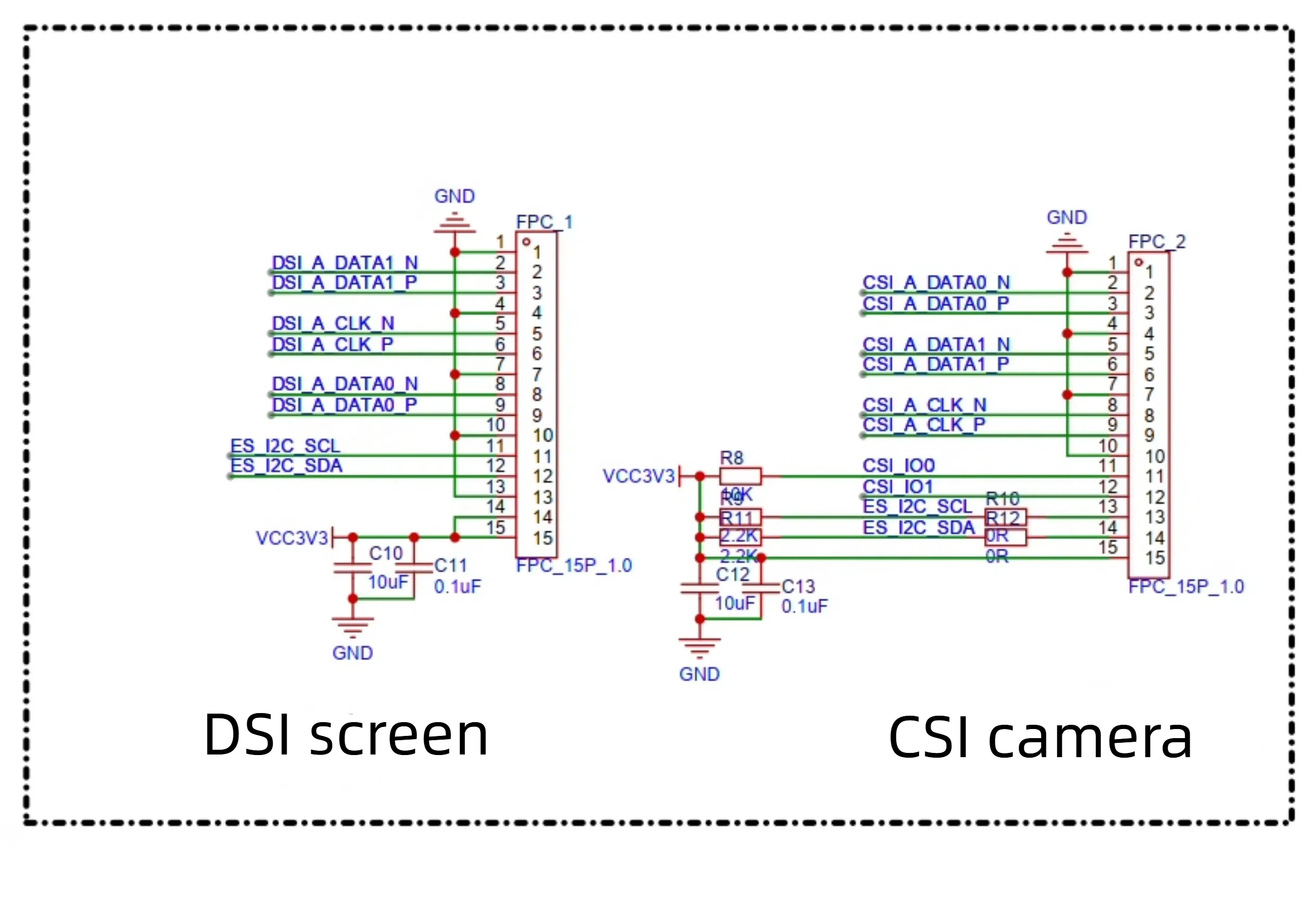
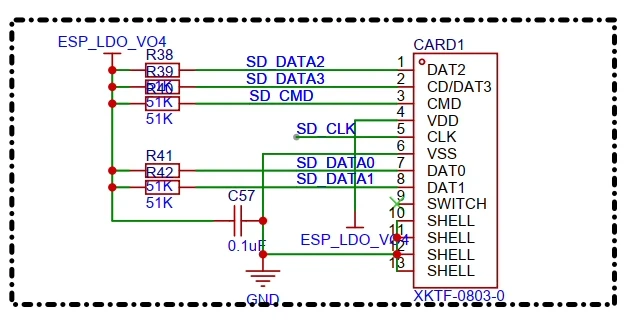
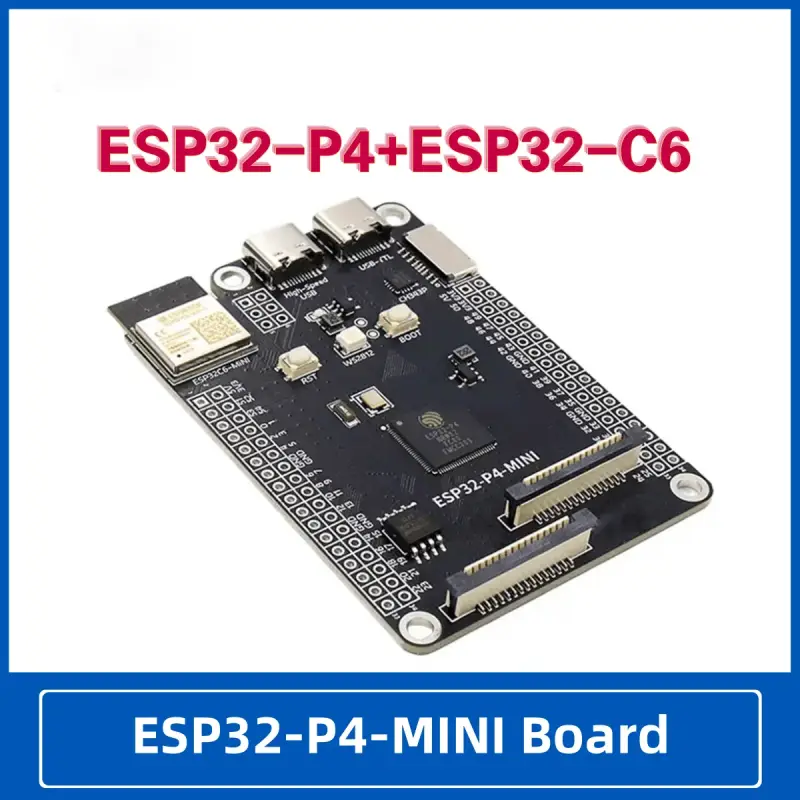
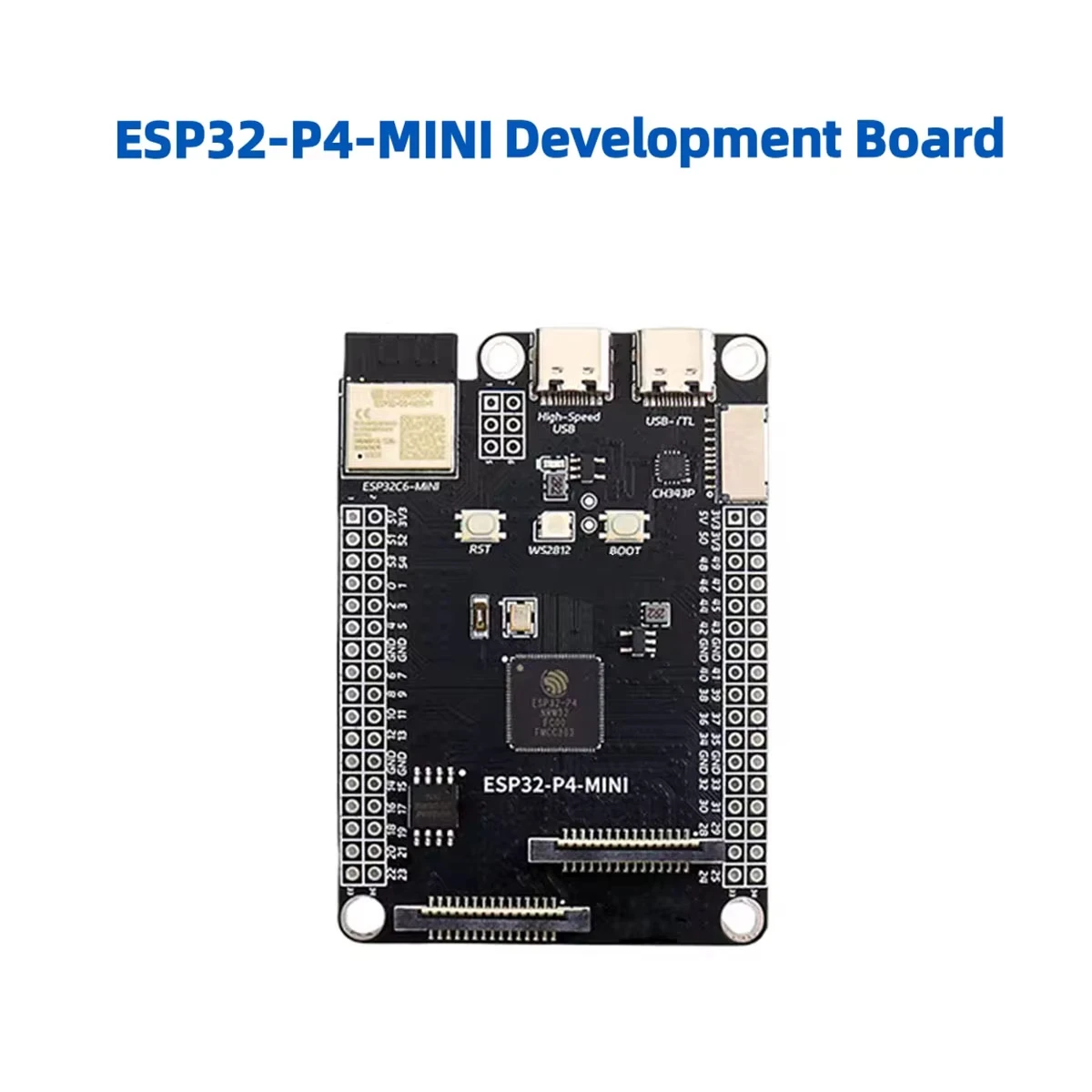
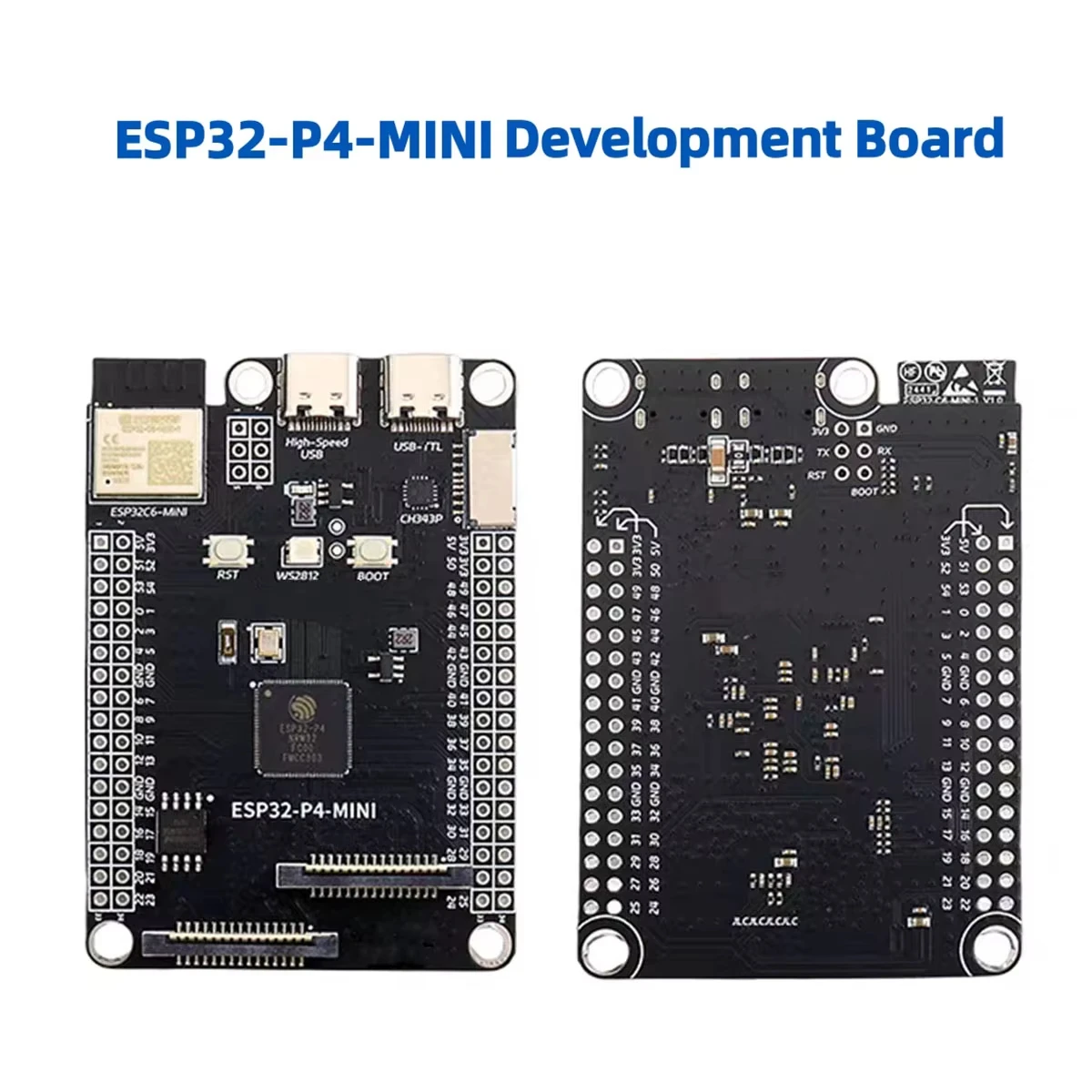
- On board, commonly used peripheral interfaces such as MIPI-CSI, MIPI-DSI, USB 2.0 OTG, SDIO 3.0 SD card slot, etc. are introduced
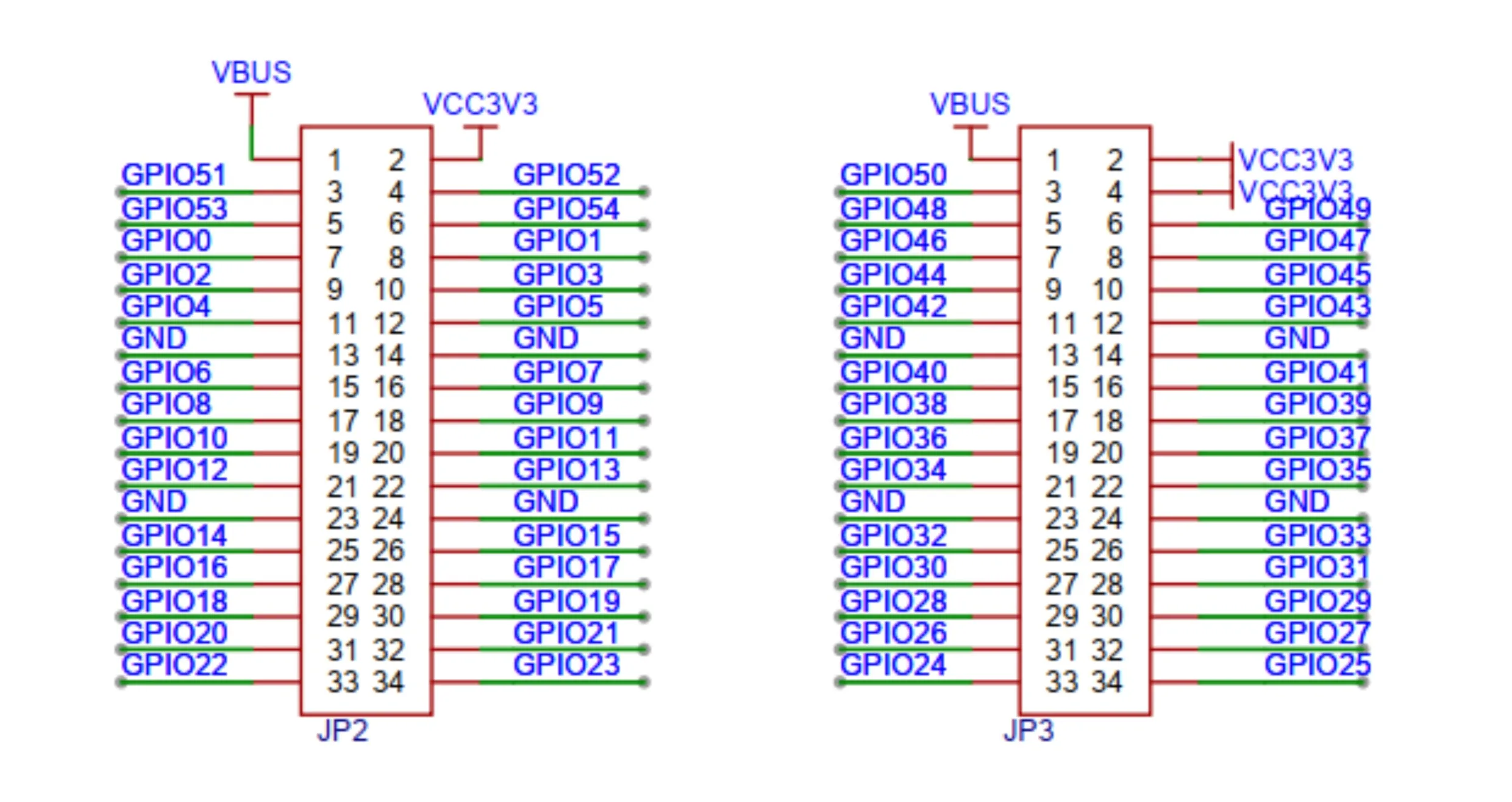
- On the board, 2 * 2 * 34 pin rows are led out, and 28 remaining programmable GPIO are led out
- Security mechanisms: secure boot, Flash encryption, hardware encryption accelerator, and hardware random number generator. It also supports hardware access protection, enabling access permission management (APM) and permission separation.
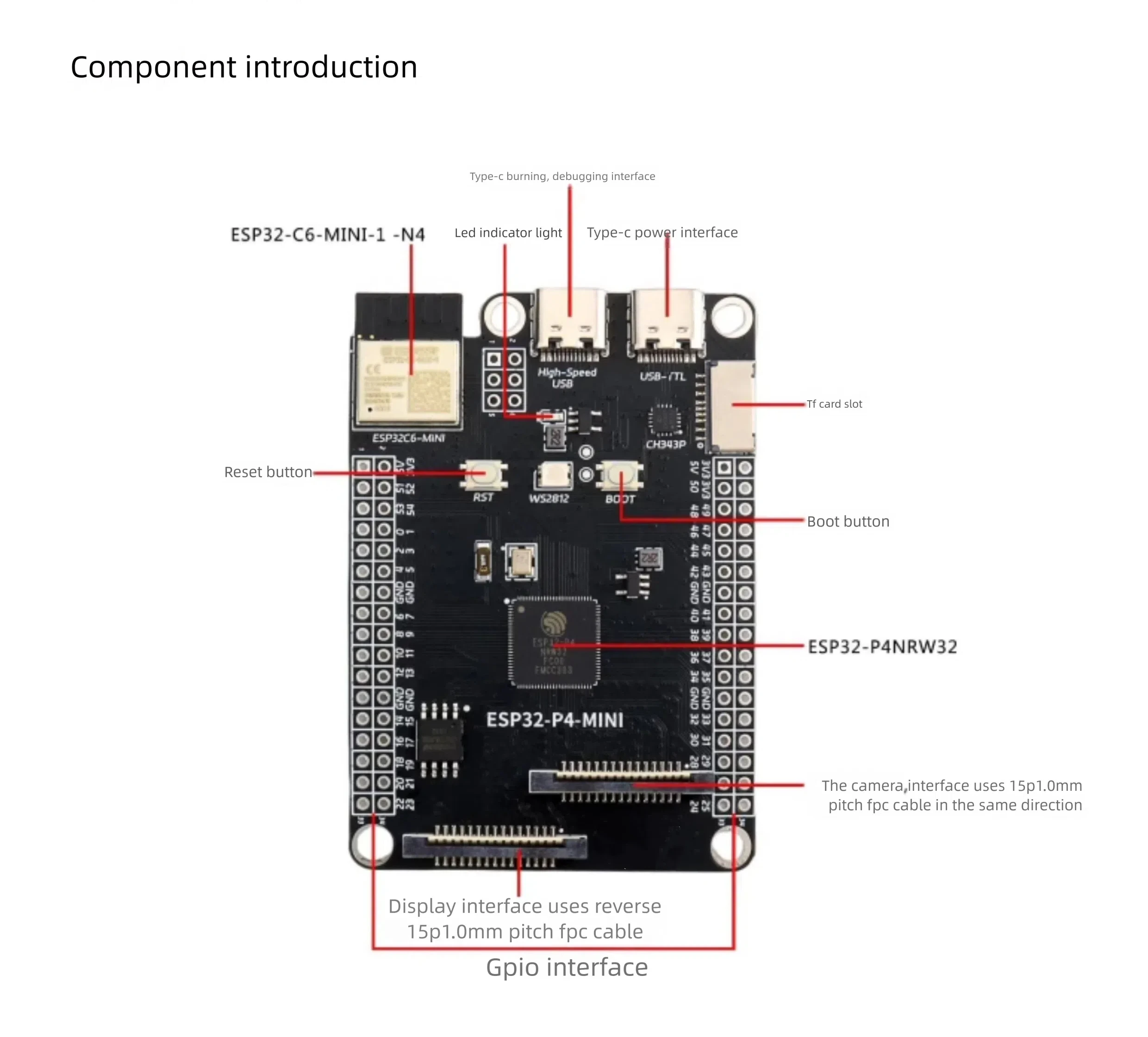
Essential hardware
- 1xESP32-P4-MINI development board
- 1x USB 2.0 data cable (standard A-type to Micro-B type)
- 1x computer (Windows, Linux or macOS)
Attention: Please make sure to use an appropriate USB data cable. Some data cables can only be used for charging and cannot be used for data transmission and programming.
Hardware setup
Insert the USB data cable and connect the Type-C burning and debugging ports of the PC and development board respectively.
Software Settings
Set up using Visual Studio Code and ESP-IDF.
Hardware reference
Hardware settings options
Automatic download
There are two ways to put the ESP development board into download mode:
- Press the Boot and RST keys manually, then release RST first, and then release the Boot key.
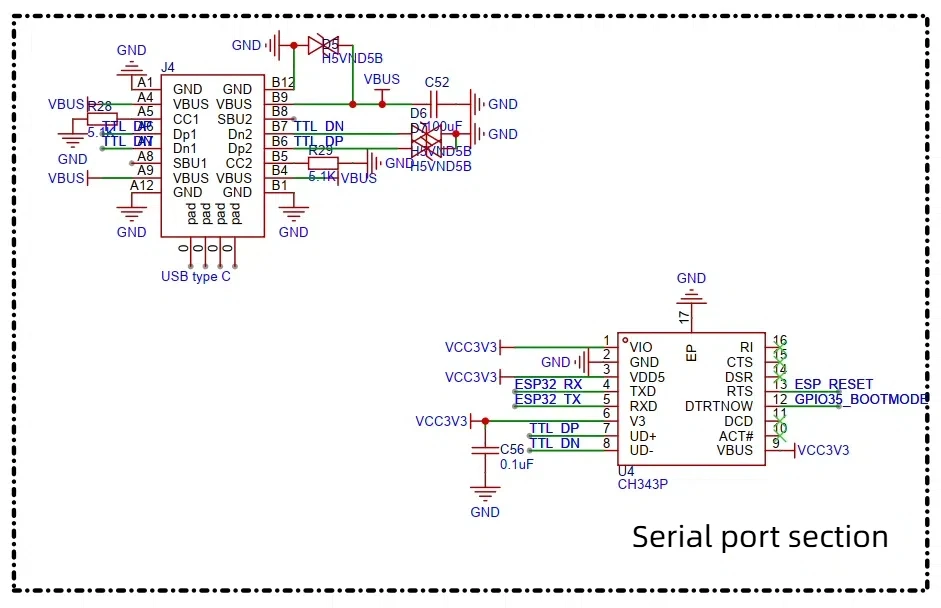
- Automatically download by software. The software uses the DTR and RTS signals of the serial port to control the status of the EN and IO0 pins of the ESP development board. details
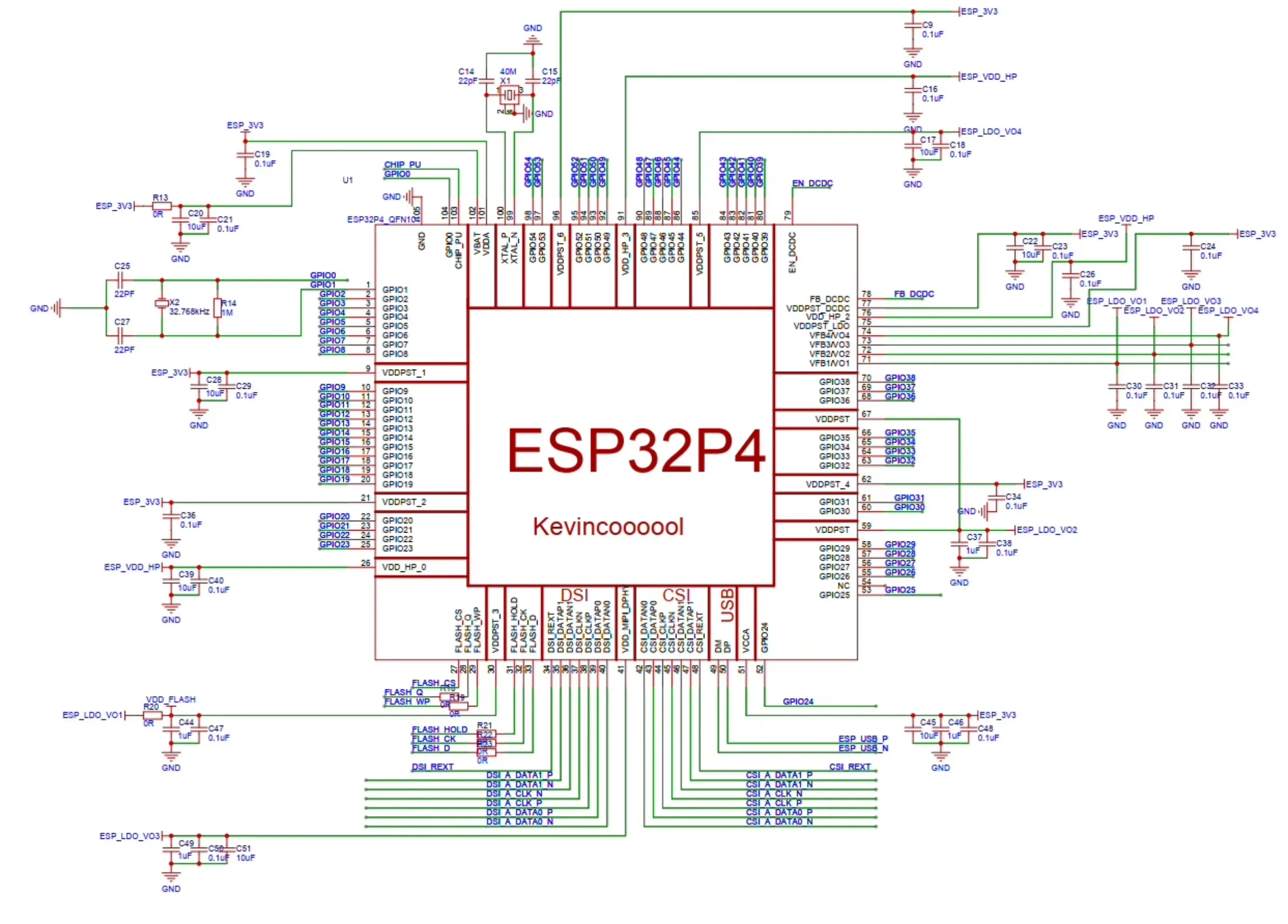
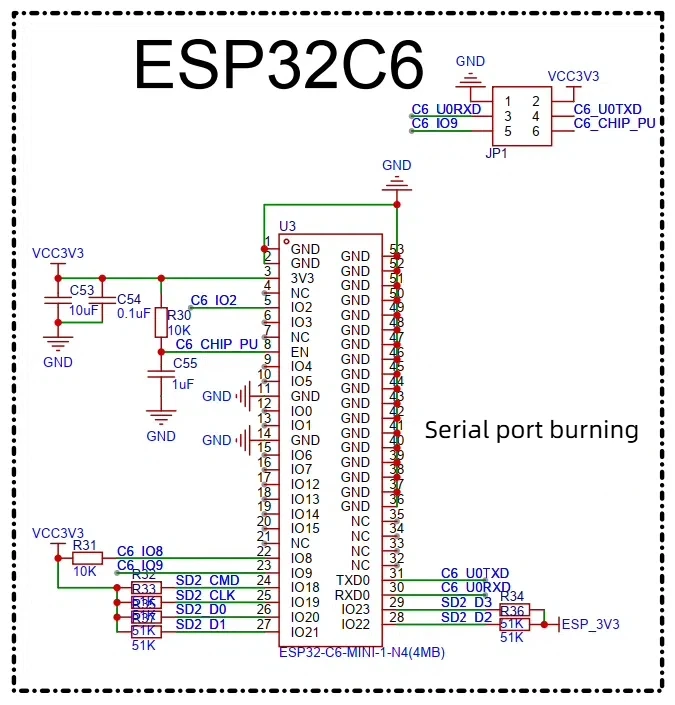
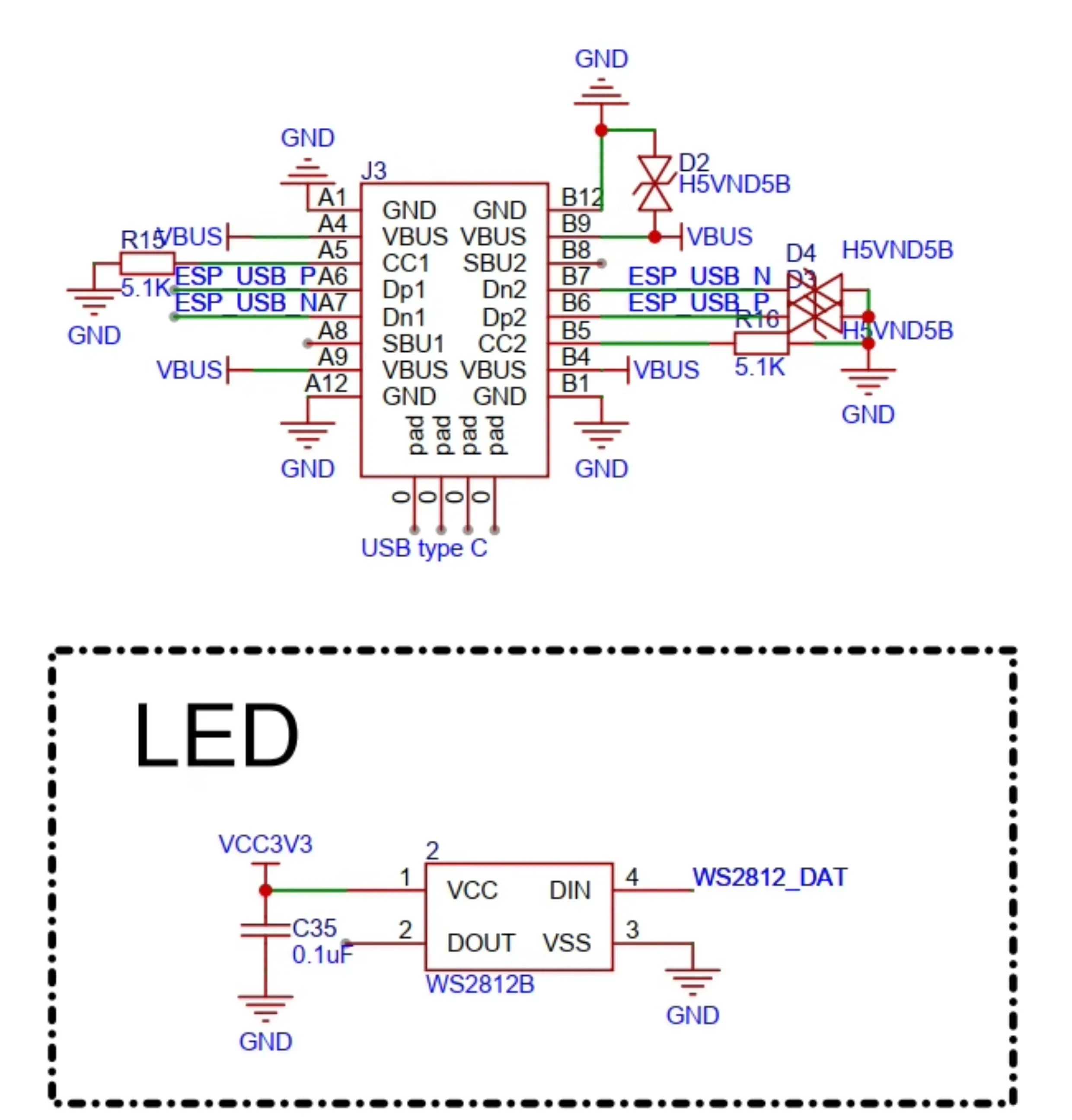
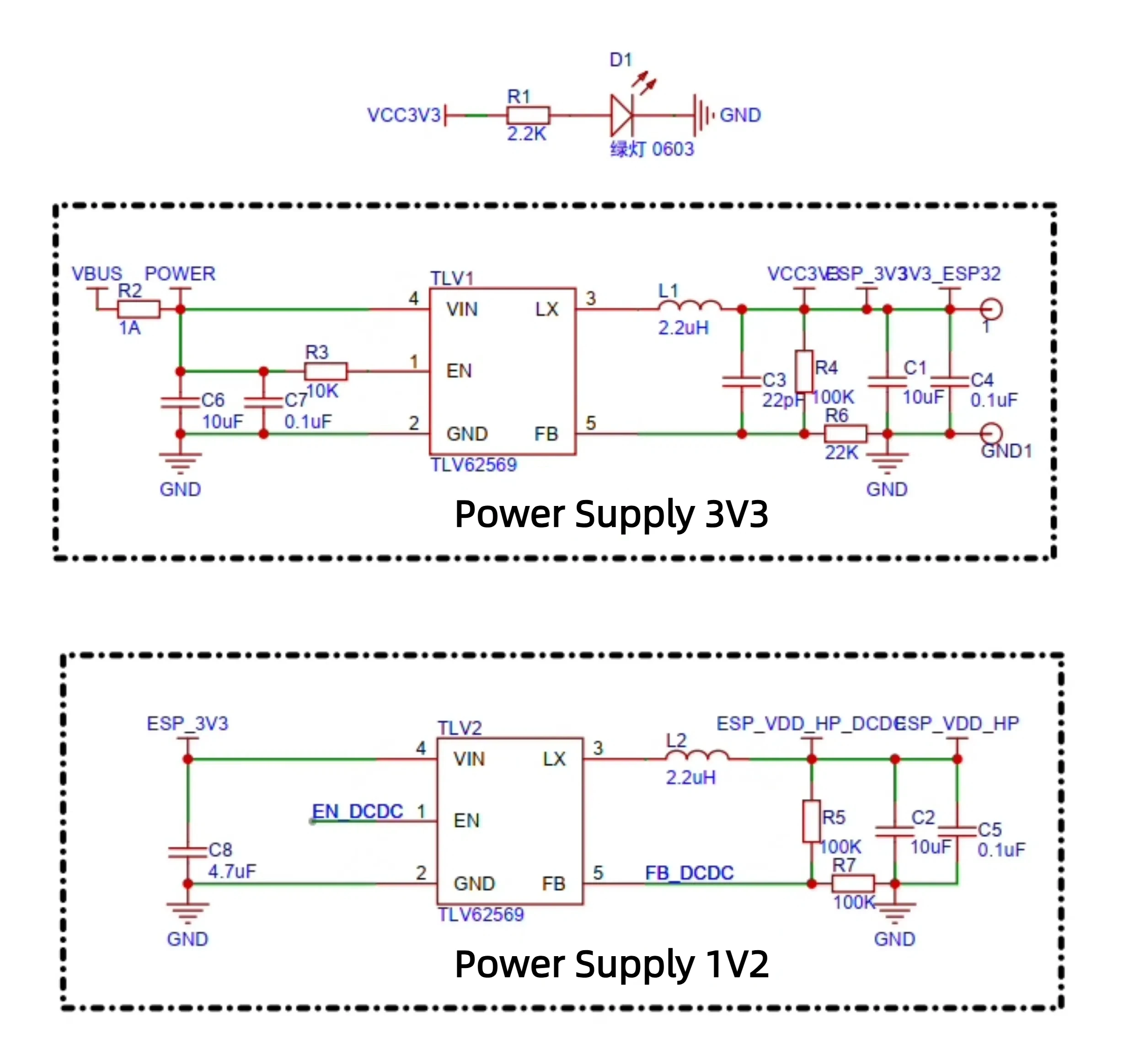
Please refer to the schematic diagram of the ESP32-P4-MINI development board