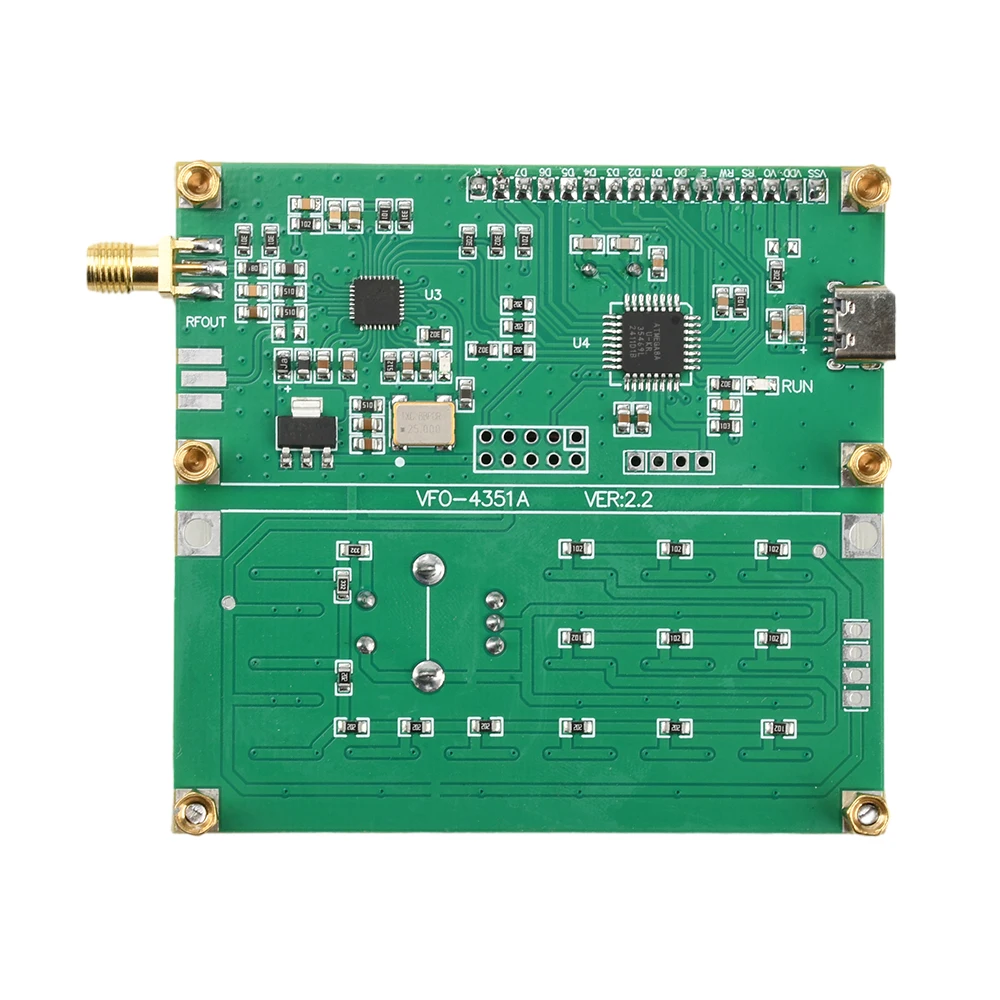
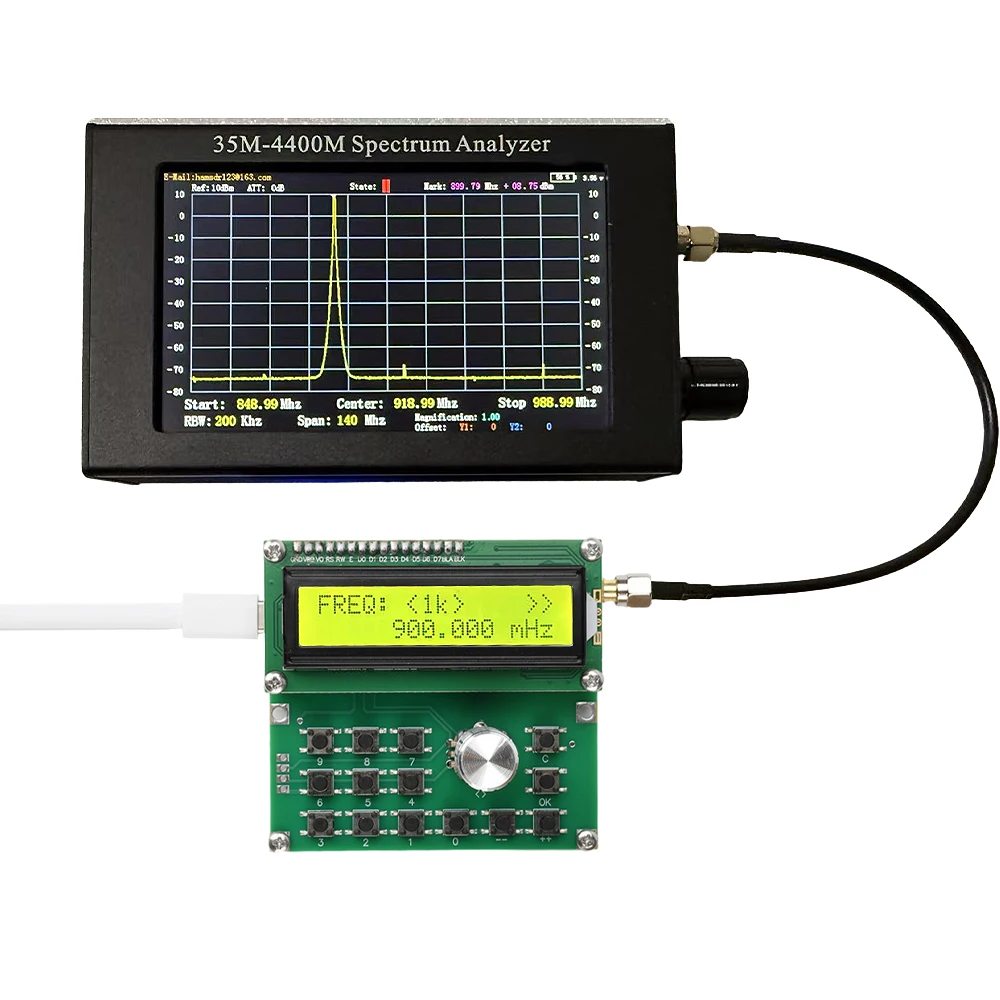
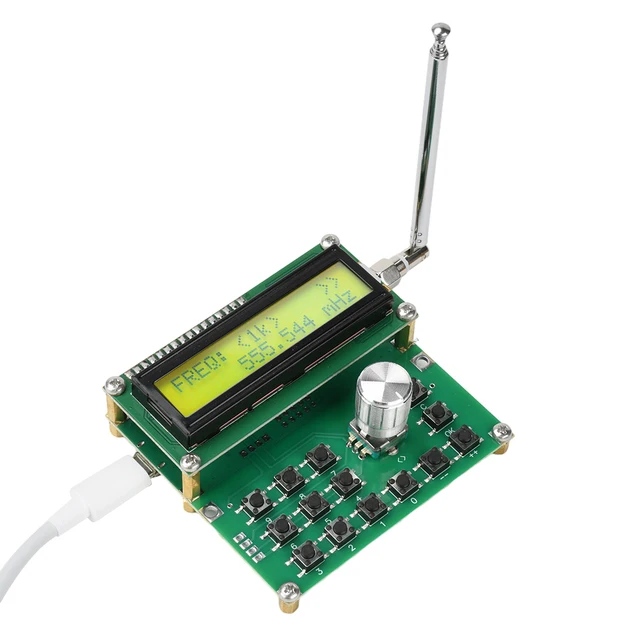
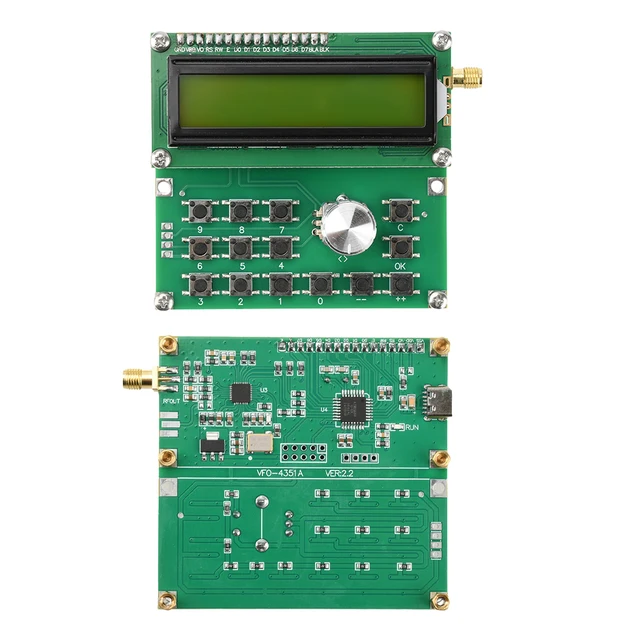
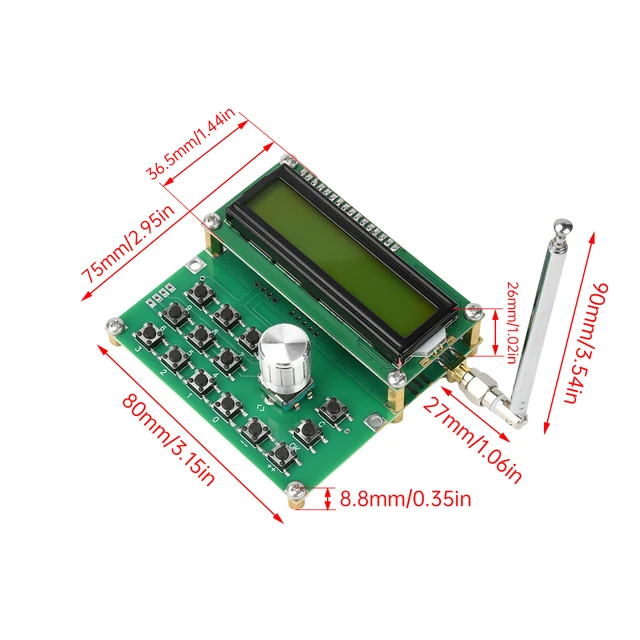



Features:
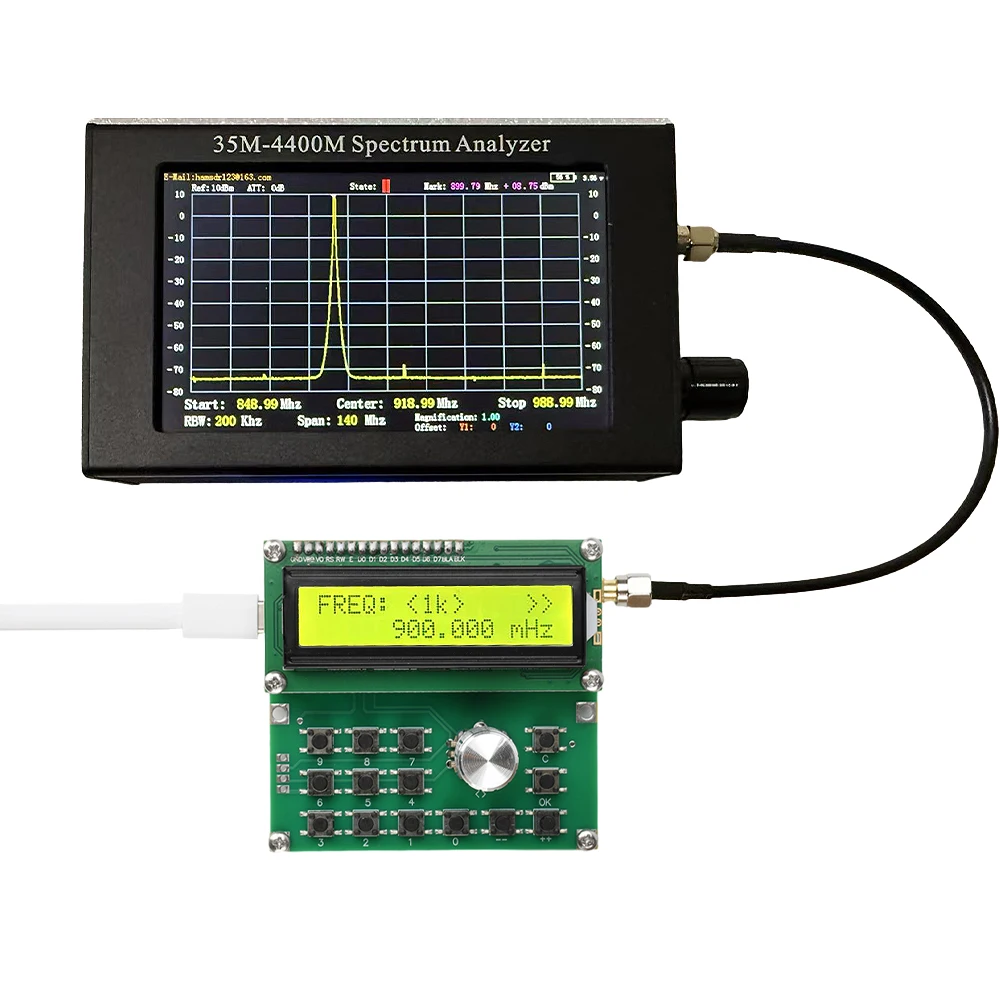
1. Supports USB power supply, with a wide output frequency range (35MHz-4400MHz), meeting various application scenarios.
2. Built in simple RF signal generator, convenient for testing the frequency amplitude characteristics of the AC channel of the equipment.
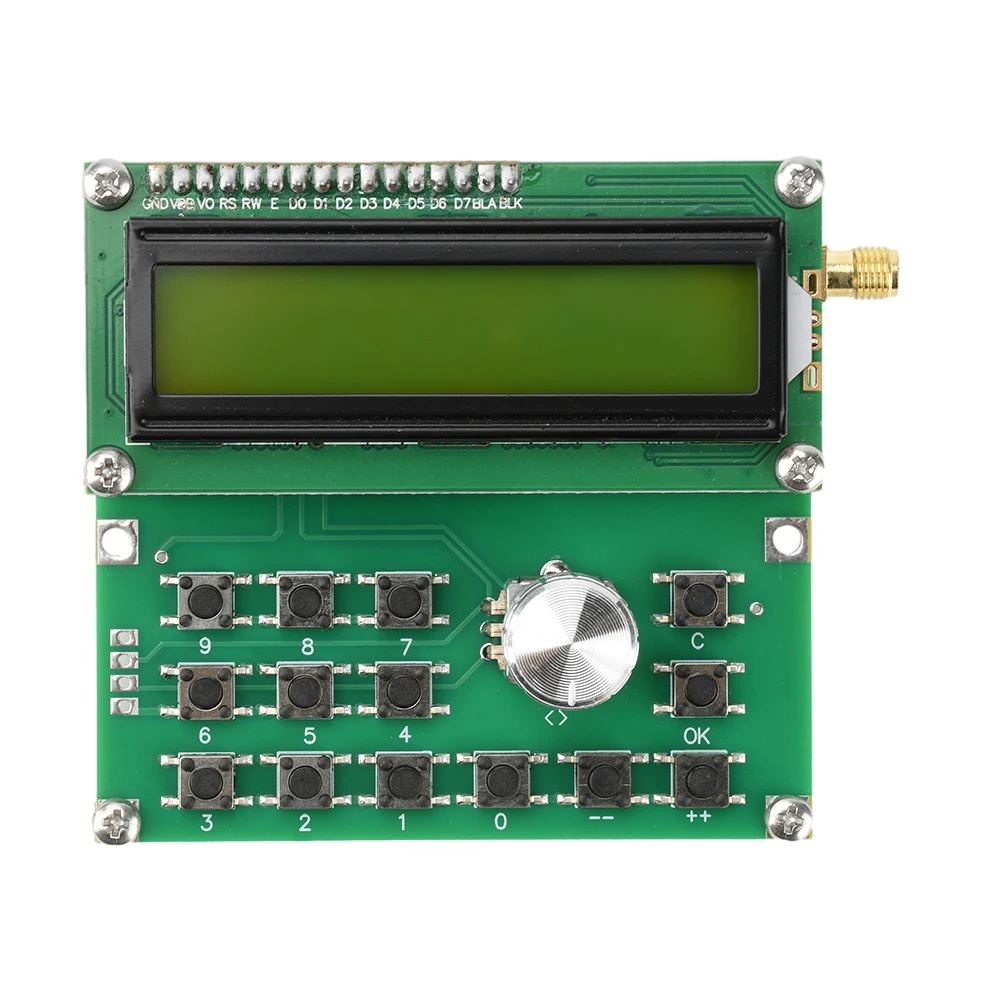
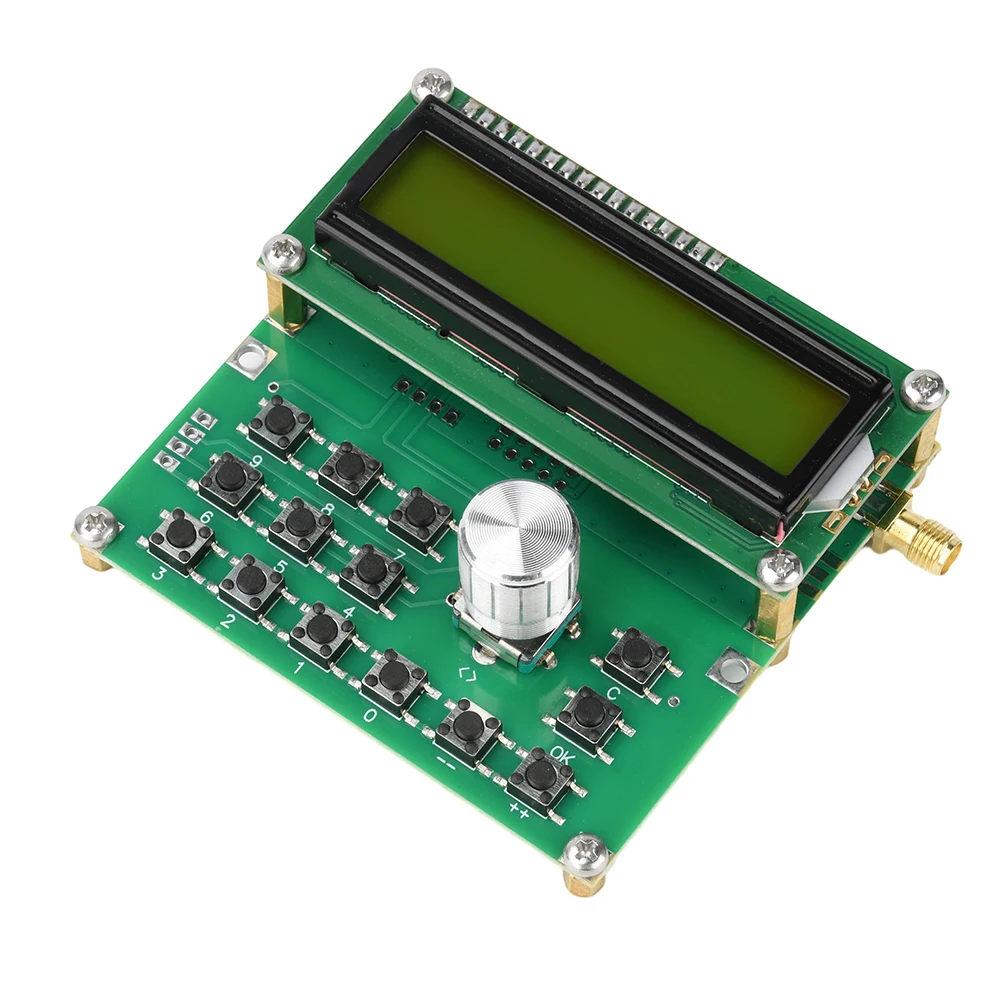
3. The keyboard design is user-friendly, with 15 function keys supporting precise frequency adjustment and emission control.
4. Provide four step modes (1K/10K/100K/1M) for quick or fine adjustment of frequency output.
5. Low power design, standby current less than 25mA, suitable for long-term use and portable
applications.
Parameter:
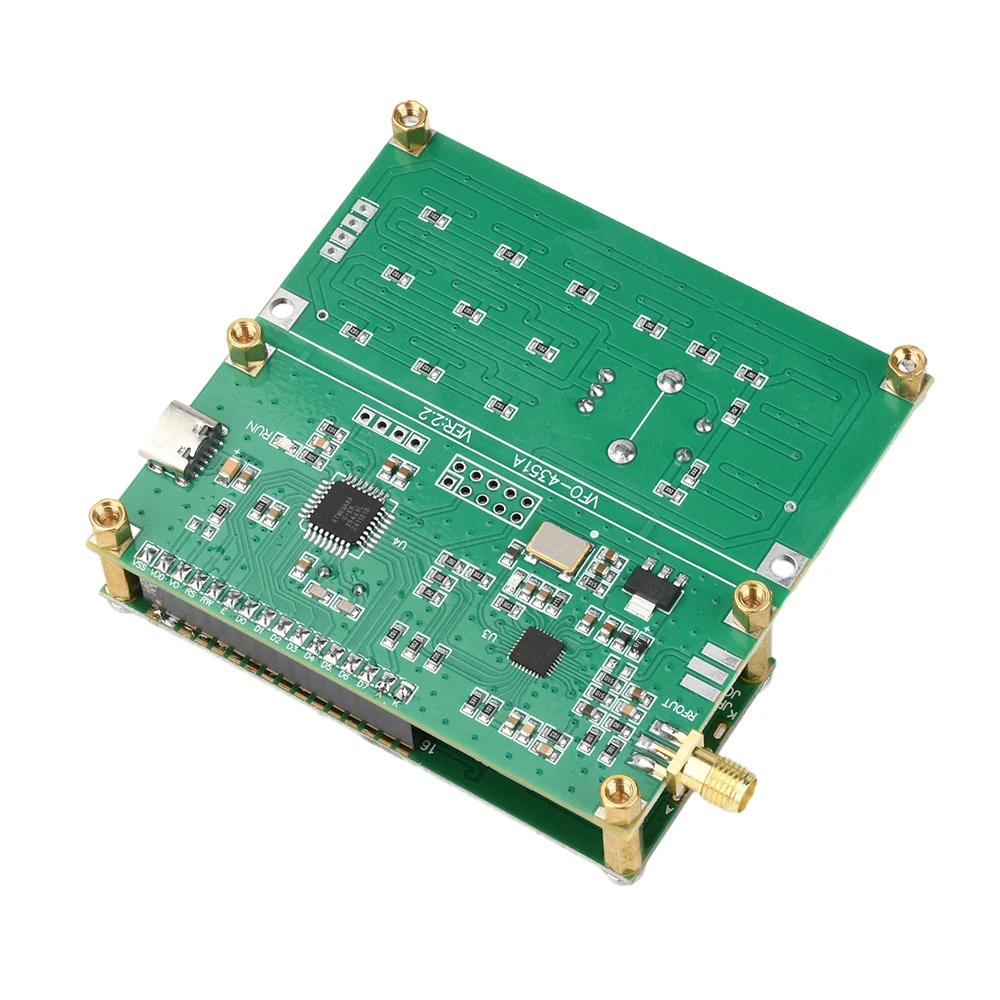
Power supply interface: Type-C
Power supply voltage: DC 4.5V-5.5V
Standby current:< 25mA
Emission current:< 150mA
Output impedance: 50 ohms
Output frequency range: 35MHz-4400MHz
Output step: 1KHz-8KHz
Output: SMA standard interface inner hole
Output power:- 1dBm (W) @ 150MHz (absolute value of test power) approximately 1 mW
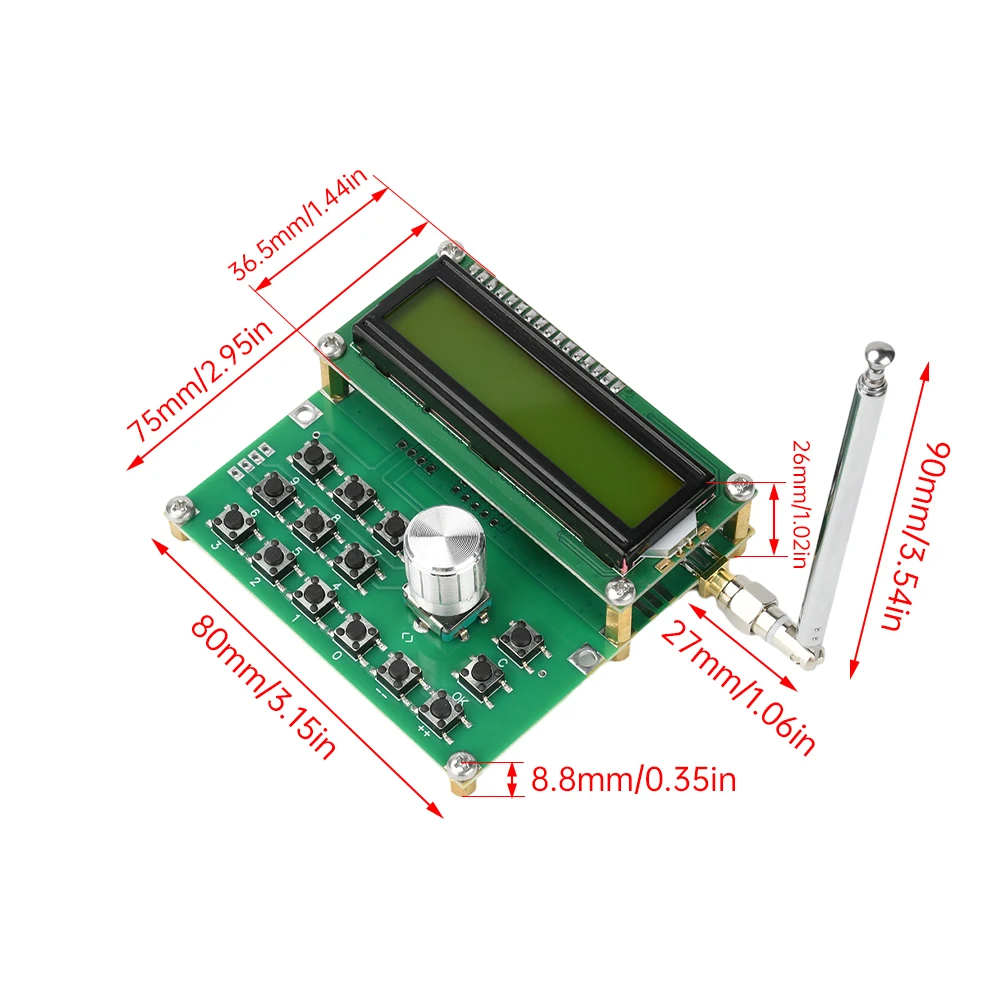
Size: 80mm * 75mm * 30mm (excluding interface)
Function: This product is a simple RF signal generator that provides a signal source for the AC channel of the tested device and analyzes the frequency amplitude characteristics of the AC channel. Please pay attention to the impedance of the measuring equipment.
Details Introduction:
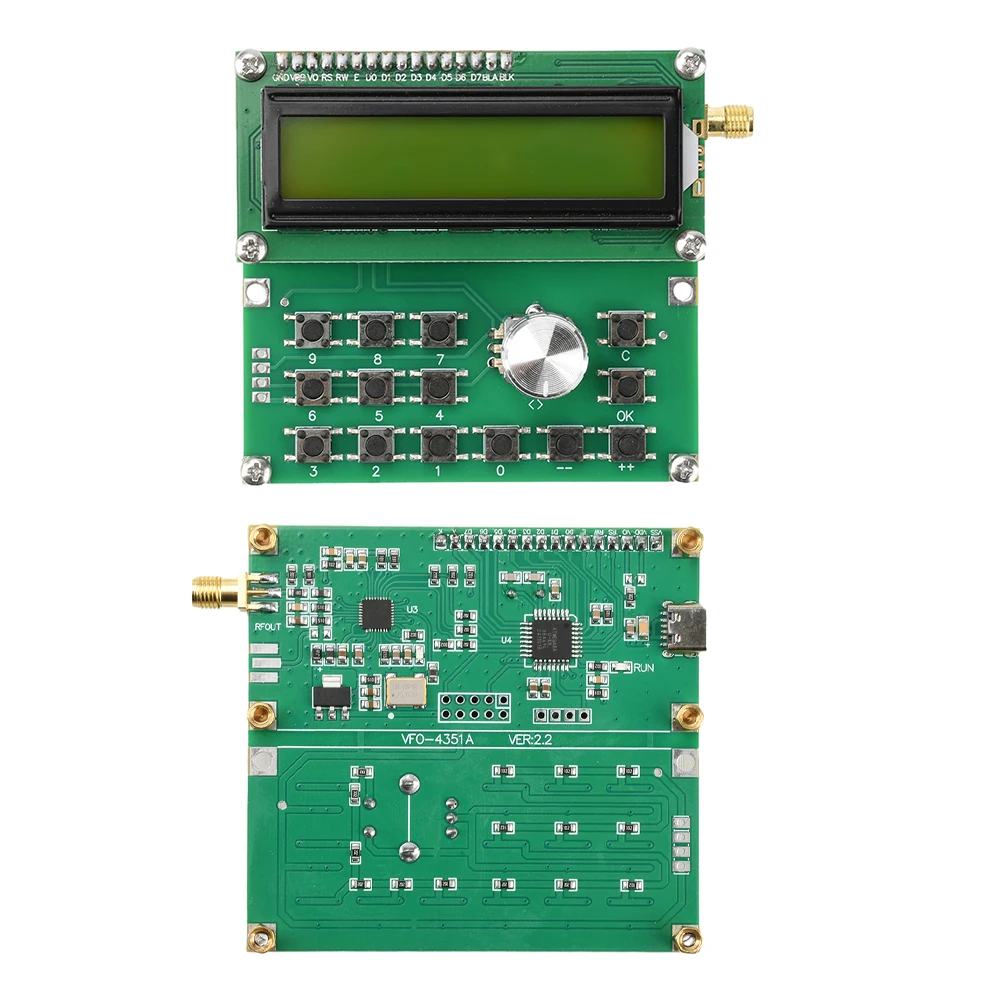
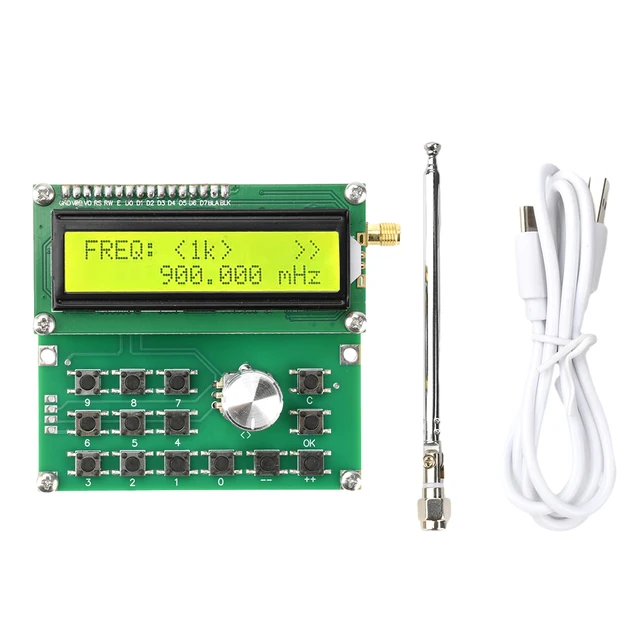
The operating keyboard of this product has 15 ppt keys, 0-9 numeric keys, 10 “++” and “-” keys to adjust the frequency of use, and also generates emission output behavior. Short pressing the “++” or “-” keys will add 1kHz or negative 1kHz to the original frequency output. Pressing the “++” or “-” keys for more than 1 second will result in continuous or continuous subtraction scanning mode. 1kHz when stepping from 35kHz to 138MHz; 138MHz is 138kHz. The steps are 10kHz at~550MHz and 100kHz at 550MHz~4000MHz. To end the scan, simply press the “++”, “-“, or “OK” buttons. The ‘OK’ button is the output control button. Press again to stop the transmission. The emission behavior caused by “++” or “-” requires pressing “OK” twice to end the transmission, and the product will display “>>” in the upper right corner. When the output emission behavior occurs, the “C” key will terminate the transmission with a frequency of zero.
Step “<>” key, used for continuous addition and subtraction scanning mode for easy adjustment, cyclically selecting steps “1K”, “10K”, “100K”, “1M”.
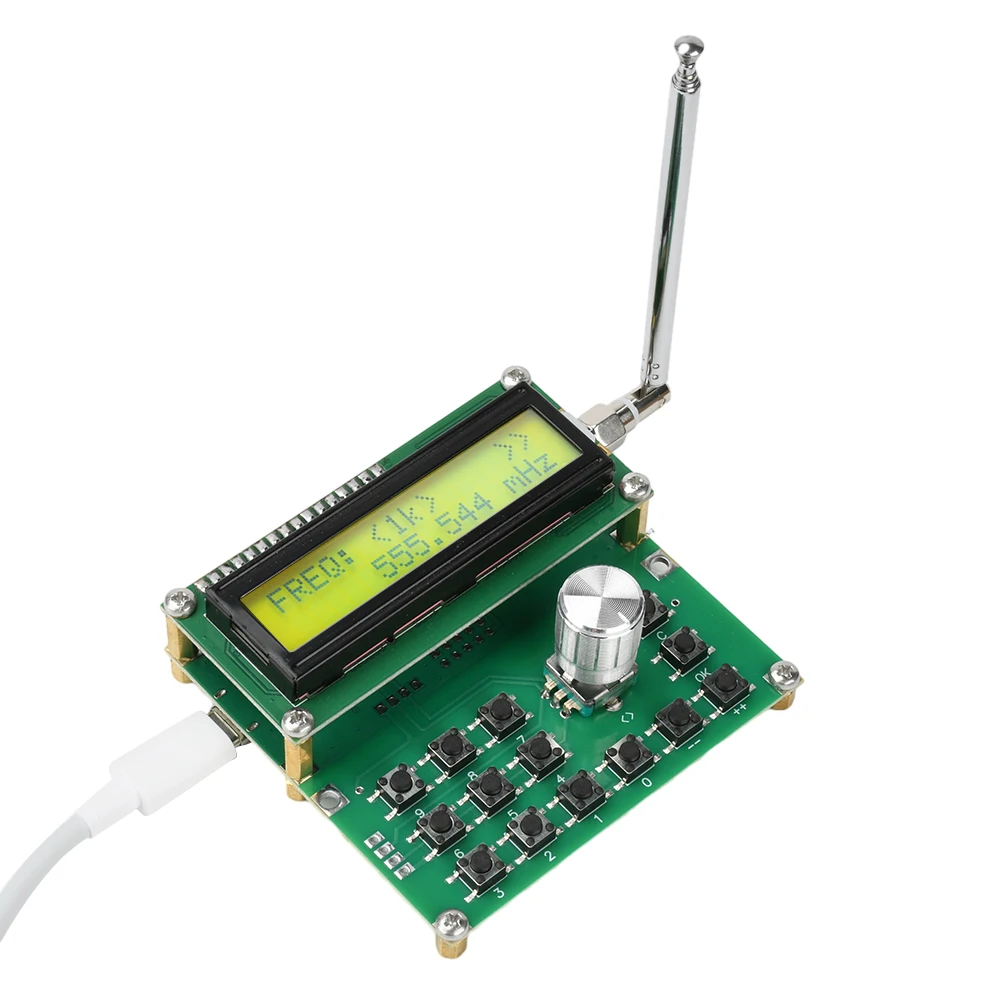
By pressing the “<>” button, the new underlying LCD1602 defaults to the “<1k>” step indication when powered on. Four types of step states can be executed in a loop.
Package Include:
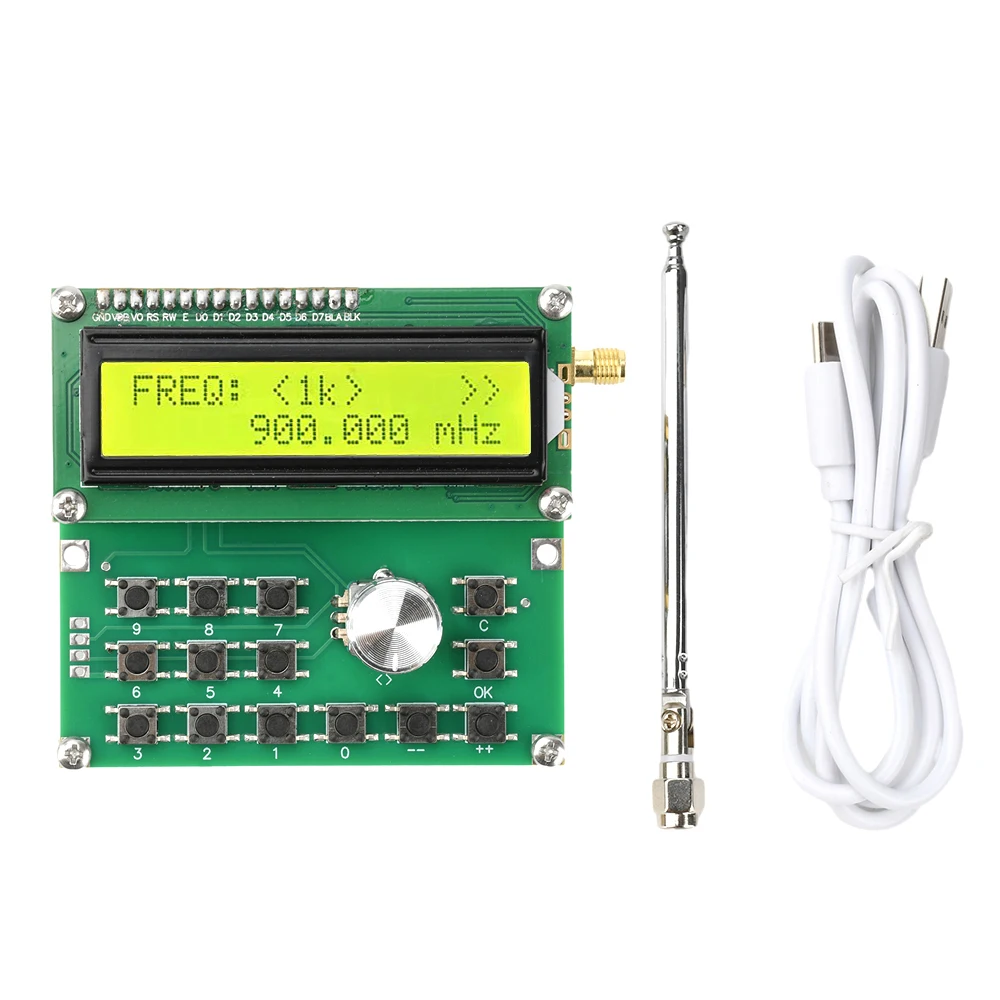
1* module +1* power cord +1* antenna