


- High-concerned chemical: None
- is_customized: Yes
- Application: Computer
- Type: Module
- Brand Name: NoEnName_Null
- Origin: Mainland China
- Condition: New
- Model Number: HW-632
brief introduction:
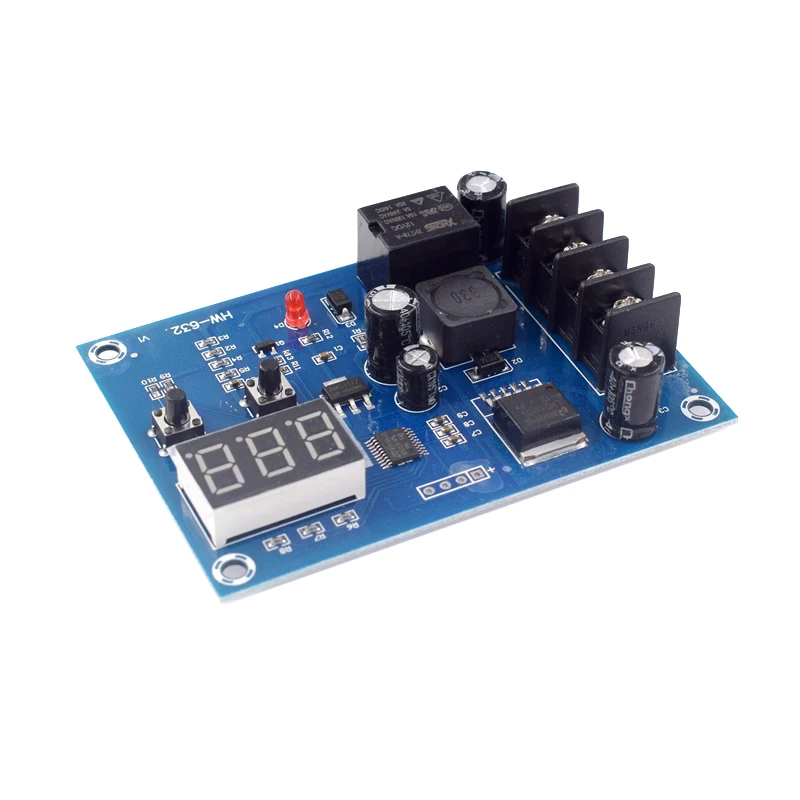
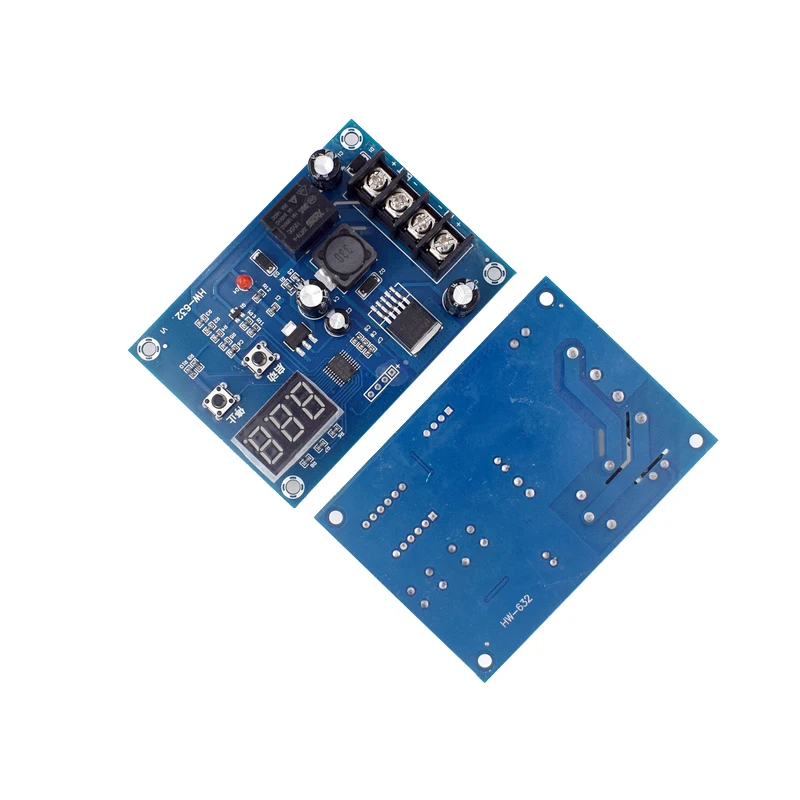
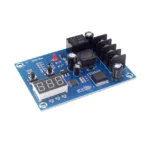
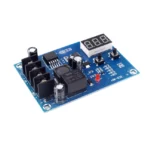
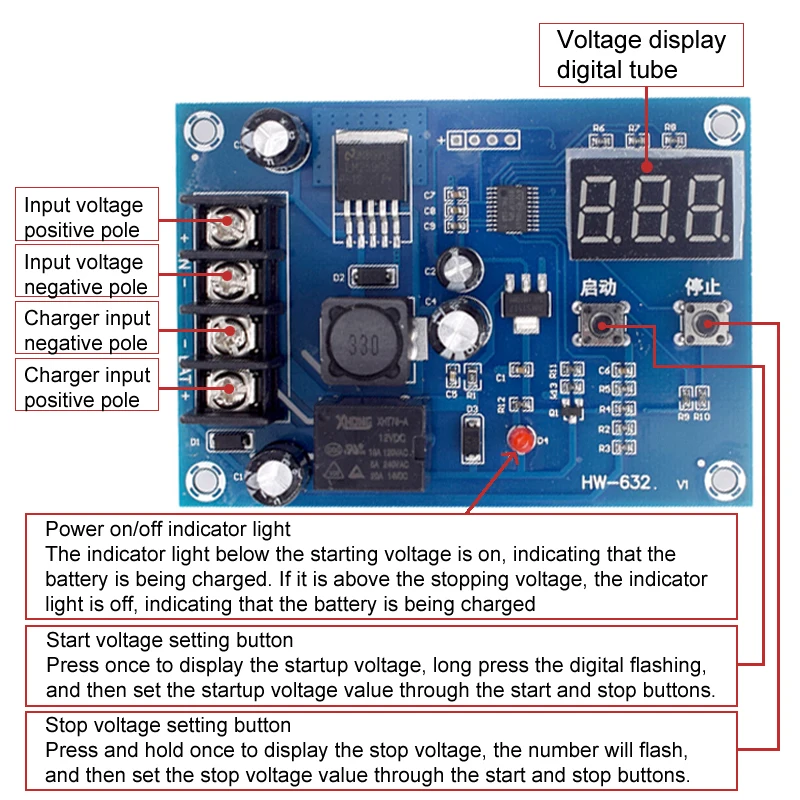
This product is suitable for charging control of 12-24V batteries, and can freely set the starting charging voltage and stopping charging voltage! Input a voltage of 12-24V from the charger at the IN end and connect it to the battery at the OUT end. For example, set 10V to start and 14V to stop. When the voltage is below 10V, the relay will close to send the charging voltage from the charger to the battery. When the voltage is above 14V, the relay will disconnect to stop charging. It is suitable for use in household chargers, solar energy, and wind turbines.
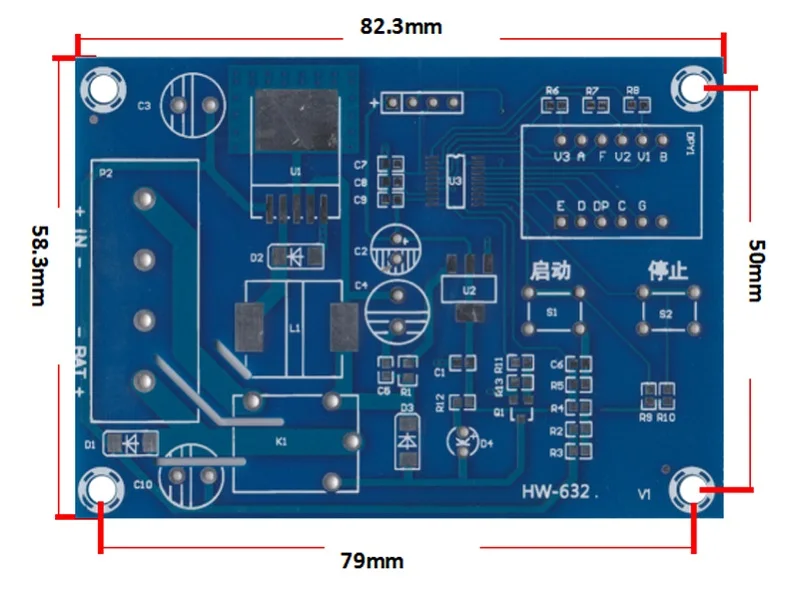
Attention
It is necessary to connect the battery to work properly. If the motherboard cannot detect the battery, it will not work.
parameter:
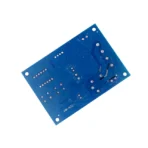
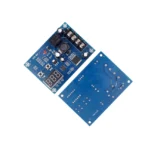
Product Name: CNC Battery Charging Control Module
Product model: HW-632
Input voltage: DC 10-30V
Display accuracy: 0.1V
Control accuracy: 0.1V
Output type: Direct output
Voltage error: ± 0.1V
Scope of application: Various types of batteries ranging from 12 to 24V


In the state of setting the voltage value, the start button plays the role of an up button, and the stop button plays the role of a down button.
Set startup voltage
Under normal display voltage status, press the start voltage button once to display the start charging voltage. Long press the start button, the digits will flash, and set the starting charging voltage value through the start and stop buttons
Set stop voltage
Under normal voltage display, press the stop voltage button once to display the stop charging voltage. Long press the stop button, the number will flash, and set the stop charging voltage value through the start and stop buttons
Restore factory settings
Press and hold the start/stop button while powered on, and the digital display will show 888, which will restore the factory settings